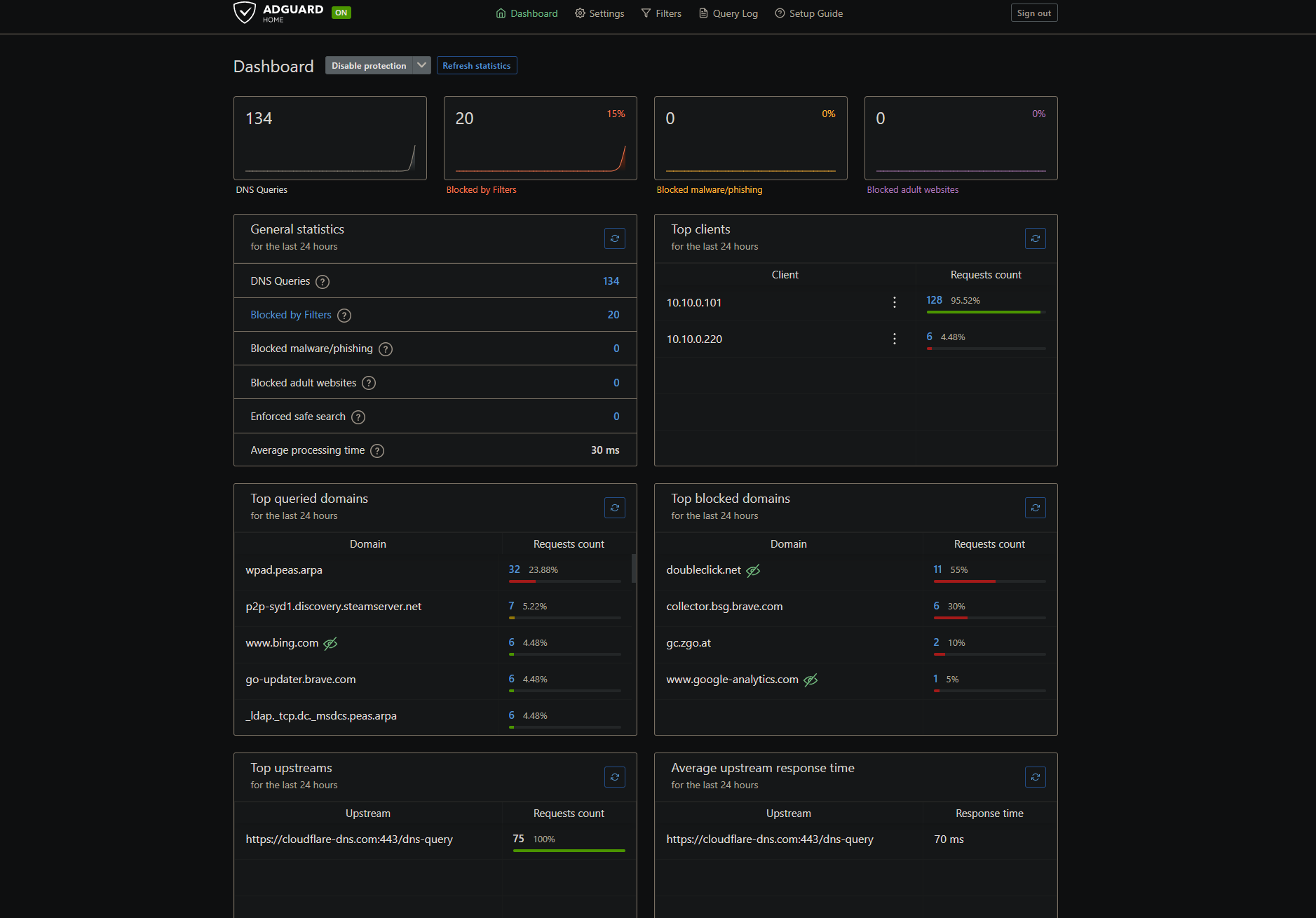
I wanted a DNS sinkhole in the lab — block ads, trackers, and adult content at the resolver instead of per-device. AdGuard Home is a single Go binary, so standing it up was maybe ten minutes.
Then I spent the rest of the session learning that “point a device at the resolver” is a lie three times over. A Windows PC, an iPhone, and the lab host each route DNS somewhere I didn’t tell them to, for three completely different reasons. This is the write-up of finding all three.
Standing it up
One container, on the existing Docker host. Two decisions that mattered:
Bind DNS to a specific IP, never 0.0.0.0. The Debian VM is on a Tailscale tailnet, and Tailscale runs its own resolver on 100.100.100.100:53. Grabbing 0.0.0.0:53 invites a fight with it. So the compose publishes the port on the lab address only:
services:
  adguard:
    image: adguard/adguardhome:latest
    container_name: adguard
    restart: unless-stopped
    ports:
      - "10.10.0.220:53:53/tcp"
      - "10.10.0.220:53:53/udp"
    volumes:
      - ./work:/opt/adguardhome/work
      - ./conf:/opt/adguardhome/conf
    networks: [caddy_web]
Provision it headless, not through the setup wizard. The wizard is a browser click-path; a config file is repeatable. AdGuard exposes the wizard as an API, so the whole first-run is one call:
curl -X POST http://127.0.0.1:8853/control/install/configure \
  -H 'Content-Type: application/json' \
  --data '{"web":{"ip":"0.0.0.0","port":80},"dns":{"ip":"0.0.0.0","port":53},
           "username":"admin","password":"..."}'
Upstream is Cloudflare over DoH (https://cloudflare-dns.com/dns-query), the default AdGuard blocklist is on, and a dig straight at it confirms the sinkhole:
$ dig @10.10.0.220 doubleclick.net +short
0.0.0.0
$ dig @10.10.0.220 example.com +short
93.184.216.34
That’s the ten minutes. Now the rest.
The Caddy trap: editing a bind-mounted file the container never sees
The admin UI goes behind Caddy like everything else in the lab. I added the vhost, ran caddy reload, got a clean rc=0 — and the route 404’d. Reloaded again. Still 404. The config validated. Caddy was up. The route simply wasn’t there.
The running config genuinely didn’t contain my edit, even though the file on disk did. The cause is a Docker detail I’d never hit head-on:
$ stat -c '%i %n' /home/student/caddy/Caddyfile      # host
5898910 /home/student/caddy/Caddyfile
$ docker exec caddy stat -c '%i %n' /etc/caddy/Caddyfile   # container
5899361 /etc/caddy/Caddyfile
Different inodes. A single-file bind mount is pinned to the file’s inode at container start. My editor writes a new file and renames it over the old one — standard atomic save — which mints a new inode. The container kept serving the old one. caddy reload dutifully re-read the stale inode and reported success.
The fix isn’t reload, it’s re-establishing the mount:
docker compose up -d --force-recreate caddy
Worth knowing for any single-file bind mount. Mounting the directory instead sidesteps it entirely — which is exactly why the Homepage dashboard, which mounts its whole config folder, picked up its change with no fuss.
Behind Authentik: the outpost that needed a kick
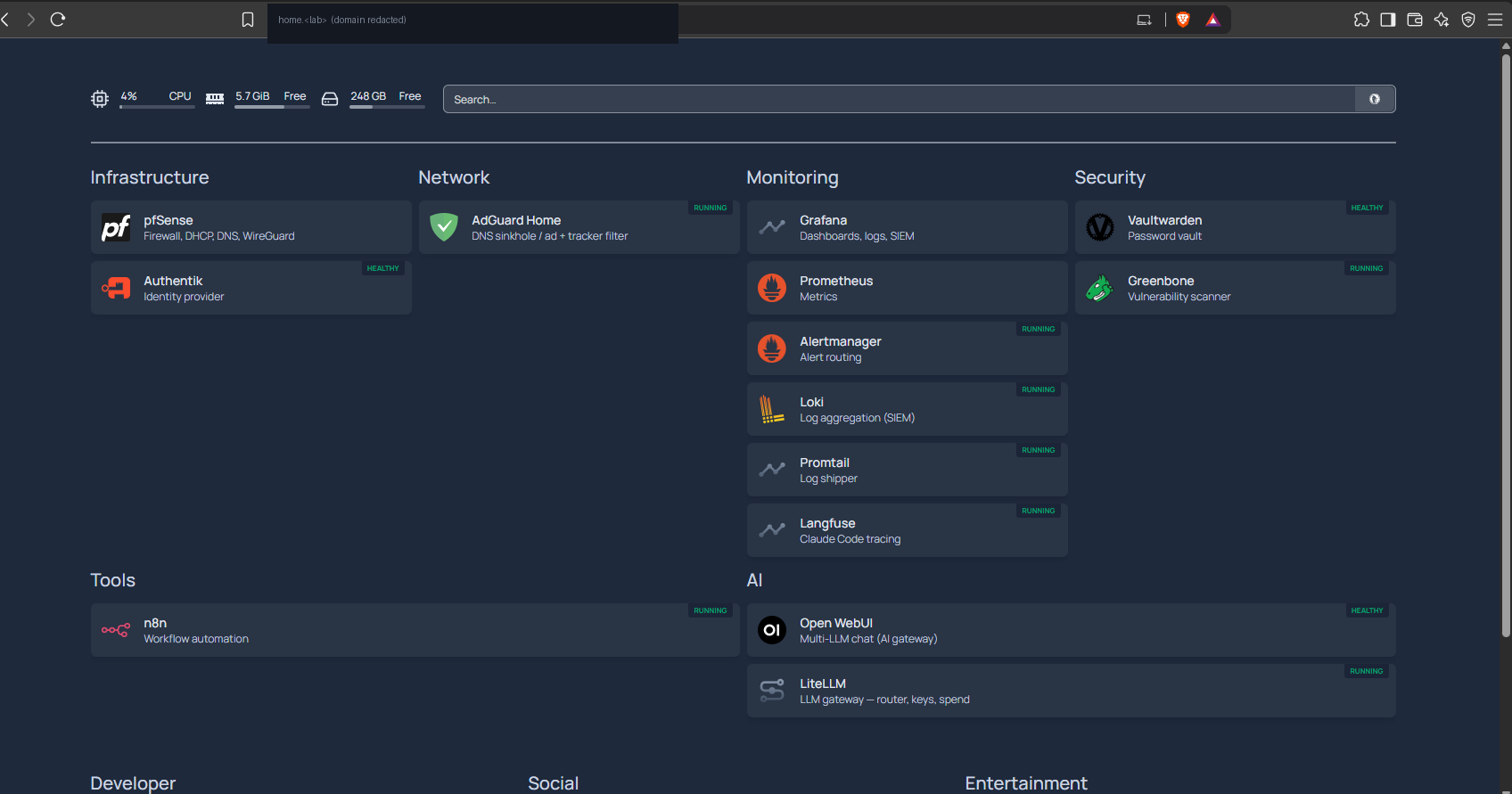
First pass, I proxied AdGuard with its own login — same as Vaultwarden or Grafana, which bring their own auth. That worked. But “more secure and easier” is one login, not two, so I moved it behind Authentik SSO like the other admin panels.
The Caddy side is a copy-paste forward_auth block. The Authentik side needs a Proxy Provider and an Application, which I cloned from an existing gated service so the flow and scopes matched, then attached to the embedded outpost. Provider created, app created, outpost updated — and the host still returned a 404. Not Caddy’s 404, though. Authentik’s own “Not Found” page.
The provider was in the outpost. The routes were approved. But the embedded outpost runs inside the Authentik server and hadn’t reloaded its provider list. A restart of the server (and worker) fixed it instantly:
docker restart authentik-server-1 authentik-worker-1
# adguard host -> HTTP/2 302 -> the Authentik login flow
One trap for anyone scripting this against Authentik’s shell: don’t trust a provider in outpost.providers.all() check. The many-to-many returns base Provider objects while your handle is the ProxyProvider subclass — same primary key, different class, so in is a false negative. The name list is the truth.
With SSO in front, AdGuard’s own login is redundant friction, so I dropped it — users: [] in the config — and let Authentik be the single door. Safe here because the container’s web port is never published to the host; the only path to it is through Caddy.
Client one: the Windows PC that answered from the wrong resolver
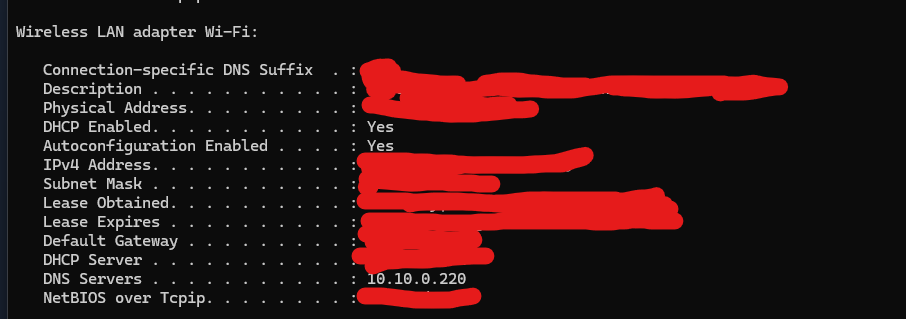
Point the gaming rig at the new resolver, load a blocked domain, and… it loads. nslookup against the AdGuard IP blocks it correctly, so the filter works — the PC just isn’t using it.
The rig is multi-homed: Wi-Fi for the internet, plus two VMware adapters for the lab. Windows “smart multi-homed name resolution” sends a query out every interface at once and takes the first answer. Set DNS on one adapter and the others — still pointed at their own resolvers — keep answering, unfiltered, and often faster.
The fix is to leave no unfiltered path. Every connected adapter points at the filter, and IPv6 gets disabled per-adapter so a v6 resolver can’t sneak around it:
foreach ($n in Get-NetAdapter | ? Status -eq 'Up') {
  Set-DnsClientServerAddress -InterfaceAlias $n.Name -ServerAddresses 10.10.0.220
  Disable-NetAdapterBinding   -Name $n.Name -ComponentID "ms_tcpip6"
}
Clear-DnsClientCache
I wrote it as a toggle script — one command to point the rig at the lab filter, one to hand it back to DHCP when the lab powers off at night, since the resolver isn’t there 24/7. There’s also a browser trap on top of the OS one: Chromium’s “Secure DNS” does DNS-over-HTTPS straight from the browser and ignores the system resolver entirely. That has to be off too, or nothing you do at the OS level matters.
Client two: the phone that couldn’t see the resolver at all
The phone can’t reach the lab address directly — it’s a nested VMware network, only reachable from the host. The path in is Tailscale, which the Debian VM is already on. AdGuard has to listen on the tailnet address too, so I added a second bind alongside the lab one and pointed the tailnet’s DNS at it.
Adult content still loaded. And here it wasn’t a fallback leaking — the phone wasn’t hitting the filter at all. AdGuard’s query log showed the host rig and nothing from the phone.
Two iOS-specific reasons stacked up:
- iCloud Private Relay. It tunnels Safari’s DNS through Apple and — by Apple’s own design — is switched off the moment a real VPN or exit node is active. While it’s on, it wins.
- Nothing served the tailnet its filter. The exit node I wanted the phone to use wasn’t offered by any device, even though it was advertised and approved.
That last one was the real rabbit hole. The exit node was approved server-side; the picker on the phone showed only “None”. Reading the packet filter the node actually received explained it — the policy is written in Tailscale’s newer grants model, not the classic acls, and it had no grant for internet egress. Without one, no exit node is offered to anyone:
{ "src": ["autogroup:member"], "dst": ["autogroup:internet"], "ip": ["*"] }
Add that grant, reconnect, and the node appears. Selecting it routes the phone’s traffic out through the lab — which also forces Private Relay off, which finally lets the tailnet’s filtered DNS take effect. One change fixed the exit node and the DNS bypass at once.
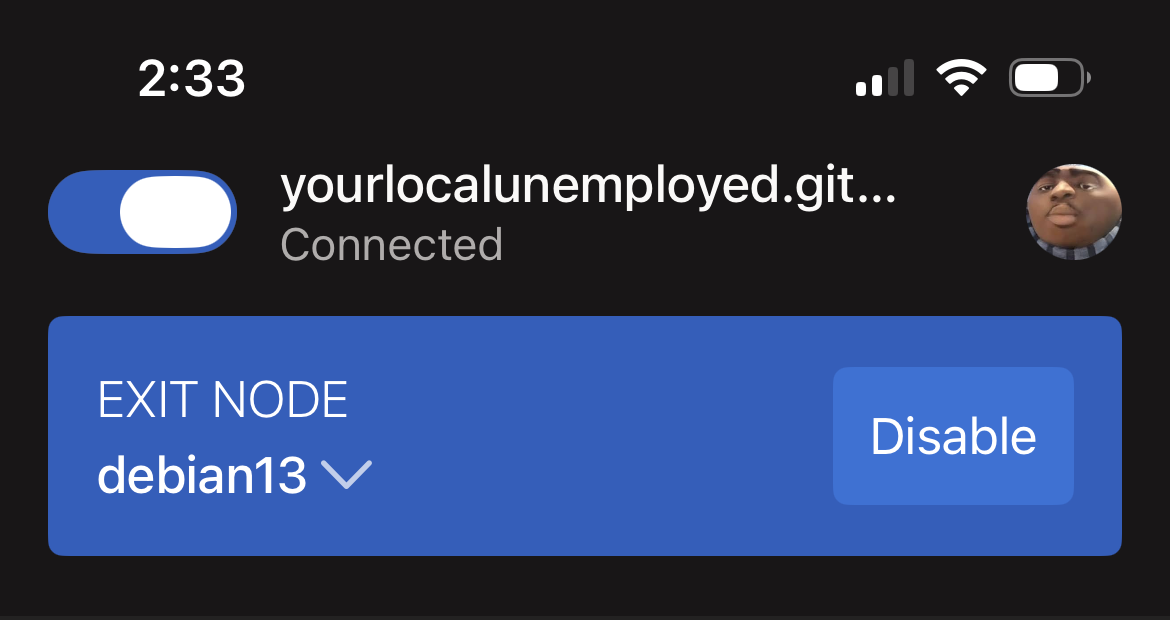
One honest note I had to give myself: routing the phone through the lab hides its address from websites, but the address they then see is my home IP, and the traffic still crosses my own ISP. It’s content filtering and carrier-IP masking, not anonymity. For that you’d point the exit at a commercial provider, not your own house.
What actually generalises
The filter was never the hard part. The pattern across all three clients was the same: every layer between an app and the network gets an opinion about DNS, and each one fails silently by just resolving somewhere else.
- Windows had three resolvers racing; the filtered one lost.
- The browser had its own encrypted DNS above the OS.
- iOS had Private Relay above the browser, and a policy model that quietly withheld the path in.
None of them errored. They all “worked” — they just answered from the wrong place. The only reliable test was the resolver’s own query log: if the client isn’t in it, it isn’t being filtered, no matter what the settings screen claims. Ground truth beats the settings screen, every time.
The filter has a tile on the lab dashboard now, and it’s day-only like the rest of the lab — which is a feature, not a bug, as long as every client that points at it also knows how to fall back when it’s gone.