I gave the lab VM more memory recently, which left room to try another service. NetBox was the one I wanted to test, because it does two jobs I currently do badly in scattered markdown:
- DCIM — sites, virtualization, and how infrastructure relates to itself.
- IPAM — prefixes, VLANs, address ranges, individual IP assignments.
The trial was deliberately conservative. I wanted to find out whether NetBox suited the lab without handing it unnecessary exposure, and without letting an automated import invent facts I hadn’t verified.
The deployment shape
The stack is the official NetBox Docker project with pinned application images: NetBox itself, a background worker, PostgreSQL, and two Valkey services. Every container gets explicit memory, CPU, process and log-rotation limits, so a trial can’t quietly eat the whole VM.
The web application keeps a loopback-only maintenance port. For normal access only the NetBox web container joins Caddy’s external Docker network — the database and caches stay on the private Compose network.
Browser
  → HTTPS / Caddy
  → Authentik forward-auth gate
  → NetBox web container
  → PostgreSQL + Valkey on the private stack network
Two authentication layers, on purpose. Authentik protects the route in front of NetBox, and NetBox keeps its own application login. I left both in place rather than enabling automatic remote-user provisioning before I’d decided on the long-term identity model.
First launch
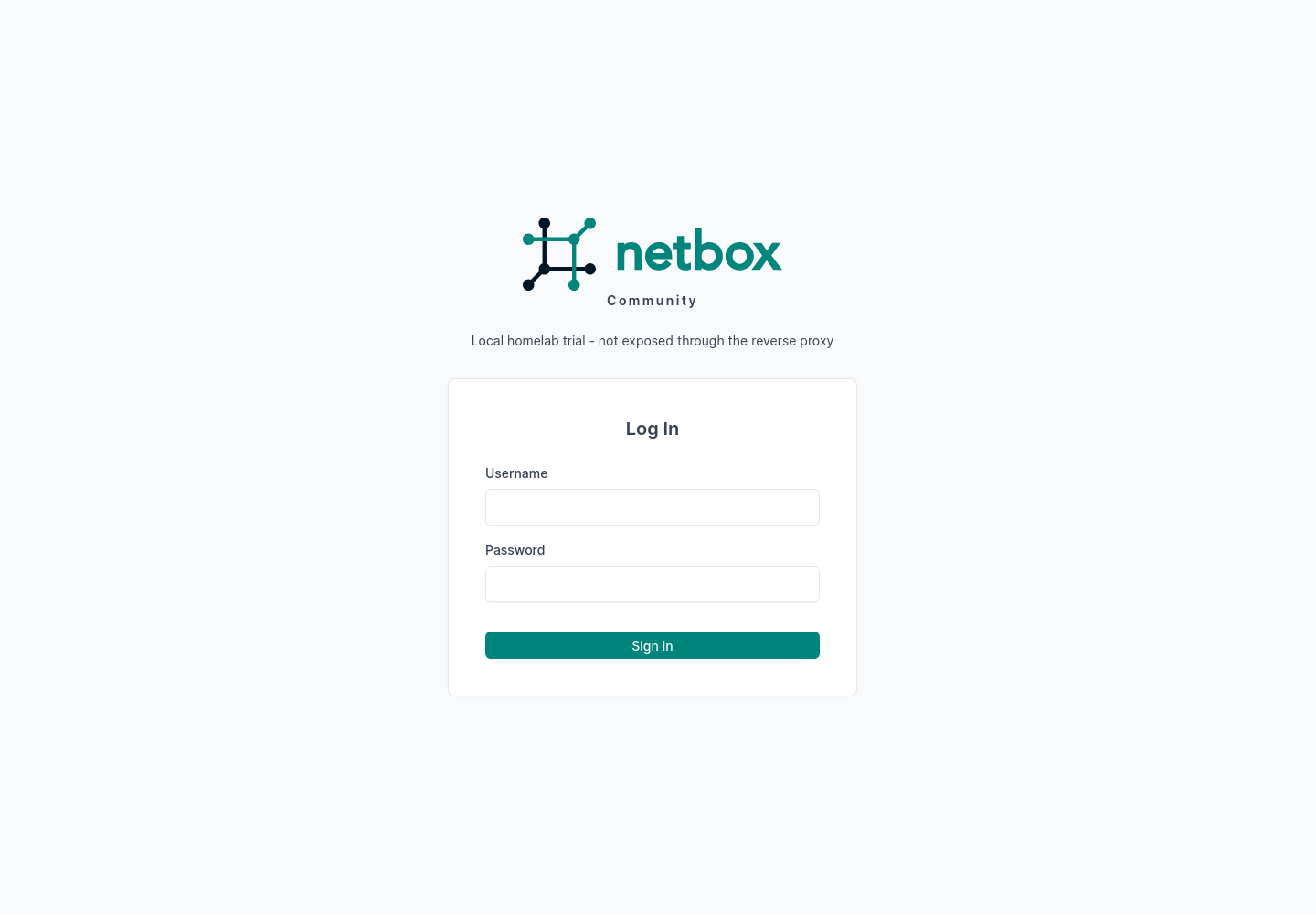
The initial login screen, before the reverse-proxy integration was switched on — reachable only through the host-local trial path at this point.
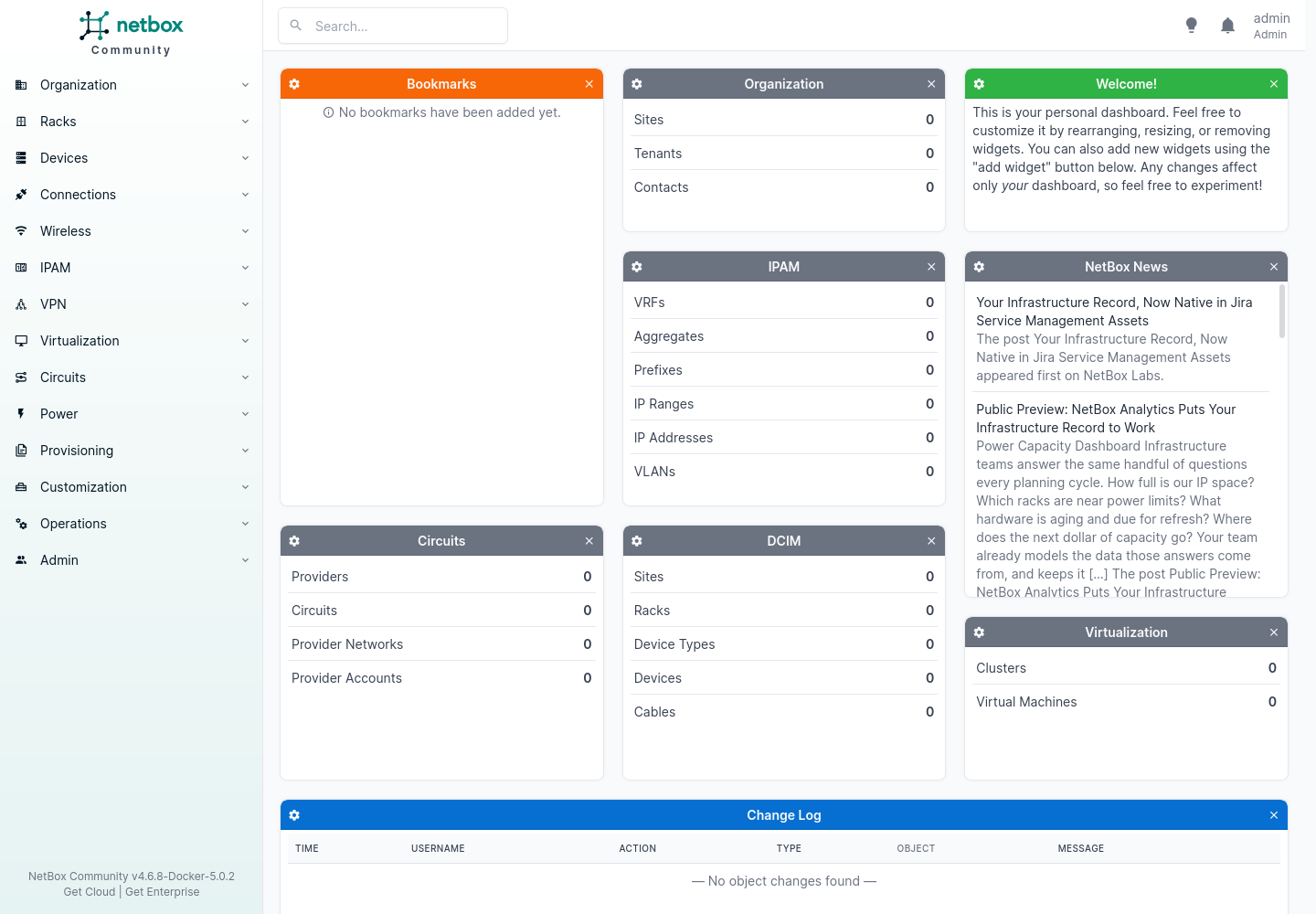
The first dashboard was deliberately empty. A clean baseline before importing anything.
Caddy, DNS and Authentik
The existing wildcard lab DNS already resolved the new service name to Caddy, so there was no duplicate DNS rewrite to add. That left:
- Join the NetBox web container to Caddy’s shared network.
- Allow the external hostname and HTTPS origin in NetBox.
- Add a Caddy route using the same Authentik forward-auth pattern as the other protected services.
- Create a matching Authentik proxy provider and application, then attach it to the embedded outpost.
- Add the external URL to the existing NetBox tile on Homepage.
A clean request against the finished route returned an Authentik authorization redirect, and Caddy could reach the NetBox backend directly over the shared Docker network.
Importing without inventing
I used the current lab runbook as the import source. The import was written to be idempotent and run inside a database transaction, dry-run first. The dry run created the expected model relationships and rolled everything back; I checked the object counts had returned to zero before running it for real.
What that produced:
| NetBox object | Count | What it represents |
|---|---|---|
| Site | 1 | The home lab |
| VLANs | 3 | Trusted, IoT and guest segments |
| Prefixes | 6 | Home, lab, VLAN and remote-access networks |
| IP ranges | 3 | Documented DHCP pools |
| IP addresses | 9 | Verified gateways, hosts and infrastructure endpoints |
| Virtualization cluster | 1 | The documented VMware environment |
| Virtual machines | 2 | The firewall VM and the Debian services host |
| VM interfaces | 8 | WAN, LAN, VLAN, primary host and overlay interfaces |
I deliberately did not create placeholder hardware manufacturers, device models, MAC addresses, DHCP leases or client addresses that the runbook hadn’t verified. Unknown is better than authoritative-and-wrong.
Validation and recovery prep
Before touching live configuration I saved copies of the Caddy, Homepage and NetBox config, and took compressed PostgreSQL dumps of both NetBox and Authentik. The dumps were checked with the restore-listing tool before deployment, not after.
Verification covered:
- Docker Compose rendering for every edited stack.
- Caddy config parsing before recreation.
- NetBox application, worker, database and cache health.
- Authentik application, proxy-provider and outpost membership.
- An external HTTPS request redirecting to Authentik.
- Caddy reaching NetBox over the shared container network.
- Homepage’s live services API returning the clickable NetBox tile.
- NetBox object counts and primary-IP relationships after import.
Why I bothered
I increased the lab VM’s memory because I’ve been adding more to it — the multi-LLM gateway, more self-hosted containers — and I wanted resource headroom rather than contention. NetBox earns a slice of that by making the infrastructure easier to actually look at: a real GUI over the lab instead of a folder of notes I have to keep in my head.
What I learned
The useful part wasn’t installing another dashboard. NetBox gets valuable when the data has provenance and relationships — a prefix belongs to a site, a VLAN maps to that prefix, an address attaches to an interface, and the interface belongs to a virtual machine. That’s the bit markdown never gave me.
The import reinforced a rule I want to keep: automation should make verified facts easier to use, not make guesses look official. A small trustworthy dataset leaves room to add devices, services and circuits later, as I verify them.
Next
- Roles and tags that match how the lab is actually operated.
- Decide whether Authentik stays an outer gate or becomes NetBox’s remote-auth source.
- Document physical devices once their models and interfaces are verified.
- Look at a read-only sync job instead of rerunning ad-hoc imports.
- Keep runbook and NetBox responsibilities distinct, so two sources of truth don’t drift apart.