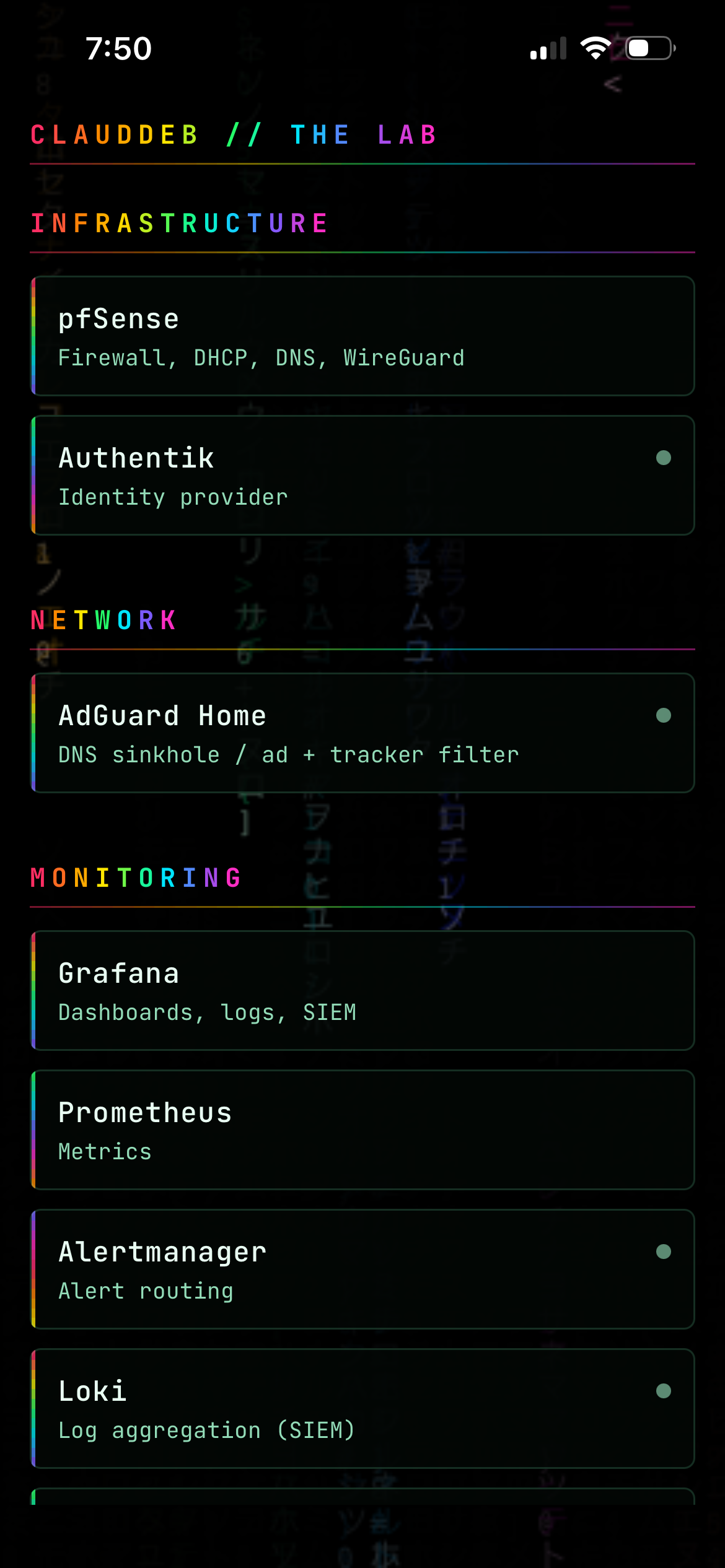
The LABDECK app on an iPhone, showing home lab service groups over an animated matrix rain background

LABDECK — Putting My Home Lab Dashboard on My Phone

A while back I built a front door for the home lab — one Homepage dashboard listing every service, with live status dots. It’s the page I look at most. On a phone it’s a browser tab. It works, but it’s a shrunk web page: no icon, no native controls, and every visit is a fresh Authentik redirect. I wanted the same thing as an actual app. This is how that went, including the parts that didn’t work. ...
9 August 2026 · 8 min
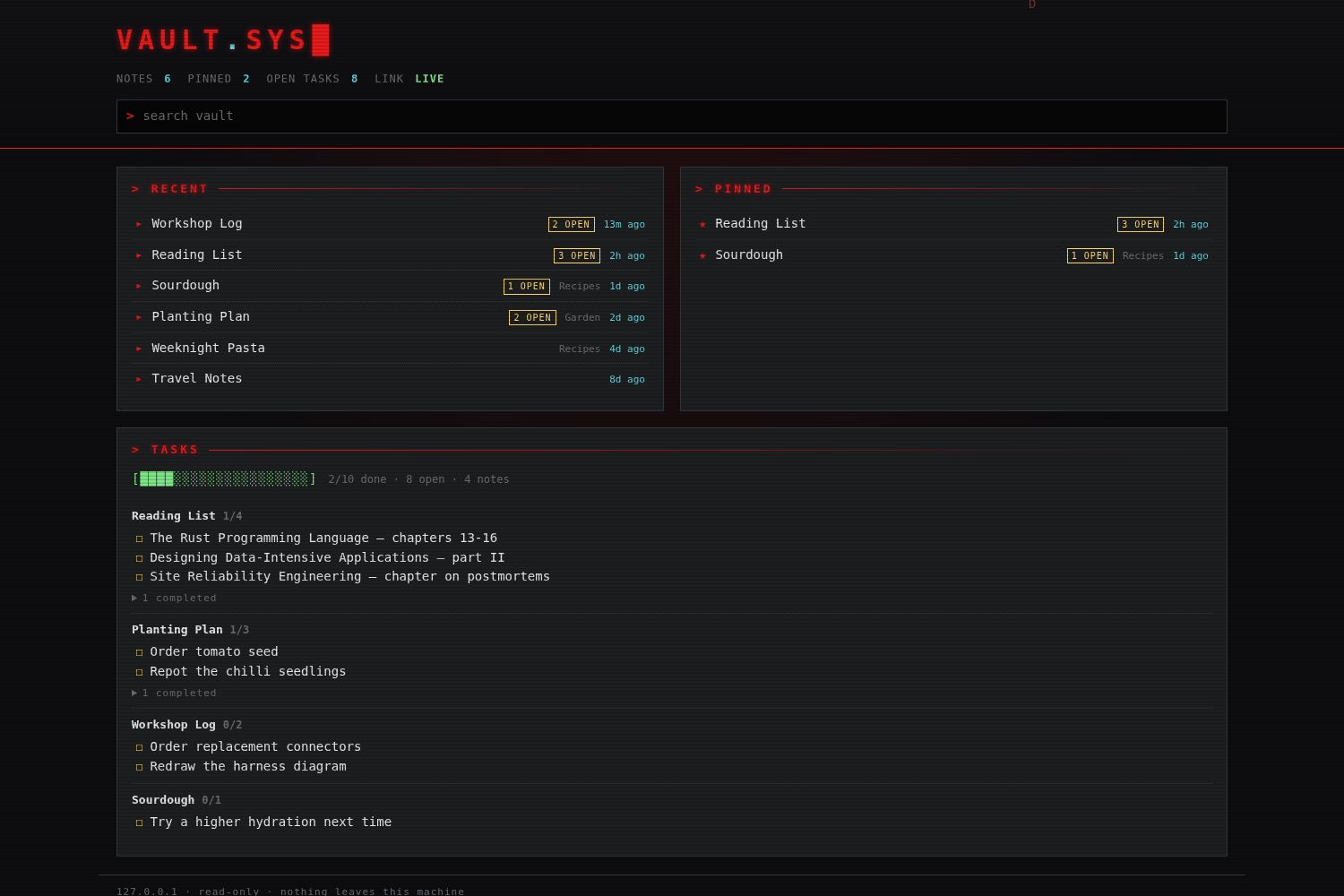
A dark red-on-black terminal-style dashboard showing RECENT, PINNED and TASKS panels over a set of markdown notes

A Read-Only Dashboard for My Obsidian Vault

My Obsidian vault has 61 notes in it — study notes, homelab runbooks, session logs — and it syncs between this box and my laptop. The only way to see what I’d touched recently was to open Obsidian and read Home.md, a hand-maintained index that goes stale the moment I forget to update it. So I wanted a small dashboard: recent notes, pinned notes, what’s still unticked. Local only. I didn’t write this code. I gave Claude Code the prompt and reviewed, tested and corrected what came back. That’s how most things on this blog get built now, and it seems worth being plain about. The prompt was: ...

3 August 2026 · 6 min
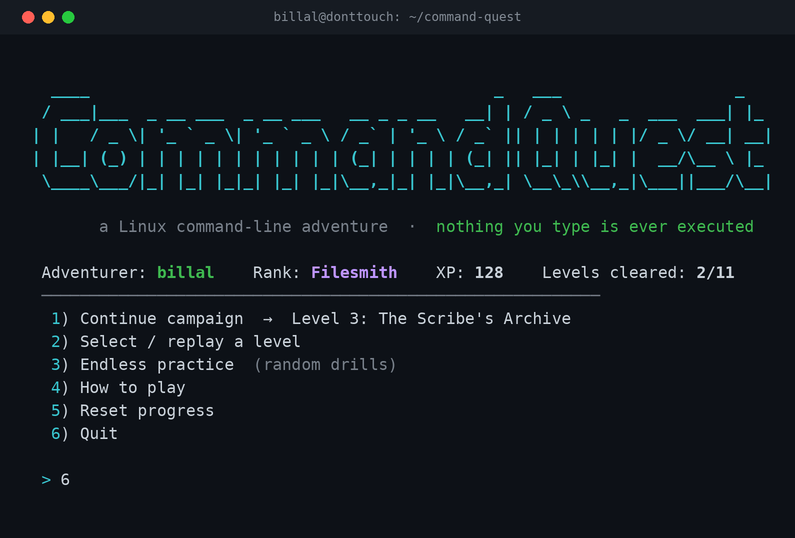
Command Quest main menu — an ASCII logo and a colourful terminal game menu

Command Quest — I Got Claude to Build Me a Linux CLI Practice Game

I’m not a programmer, and I’m not trying to be one. But the development of new AI models has let me learn concepts that were once too complicated for me to get on my own. As you know, I use Linux a lot — but I still wanted to properly upskill in the command line. So instead of just following a document and re-typing commands in another terminal window, I thought: why not get Claude to build me an interactive game — a Linux CLI practice terminal — that actually lets me learn and memorise the commands? ...

21 July 2026 · 4 min
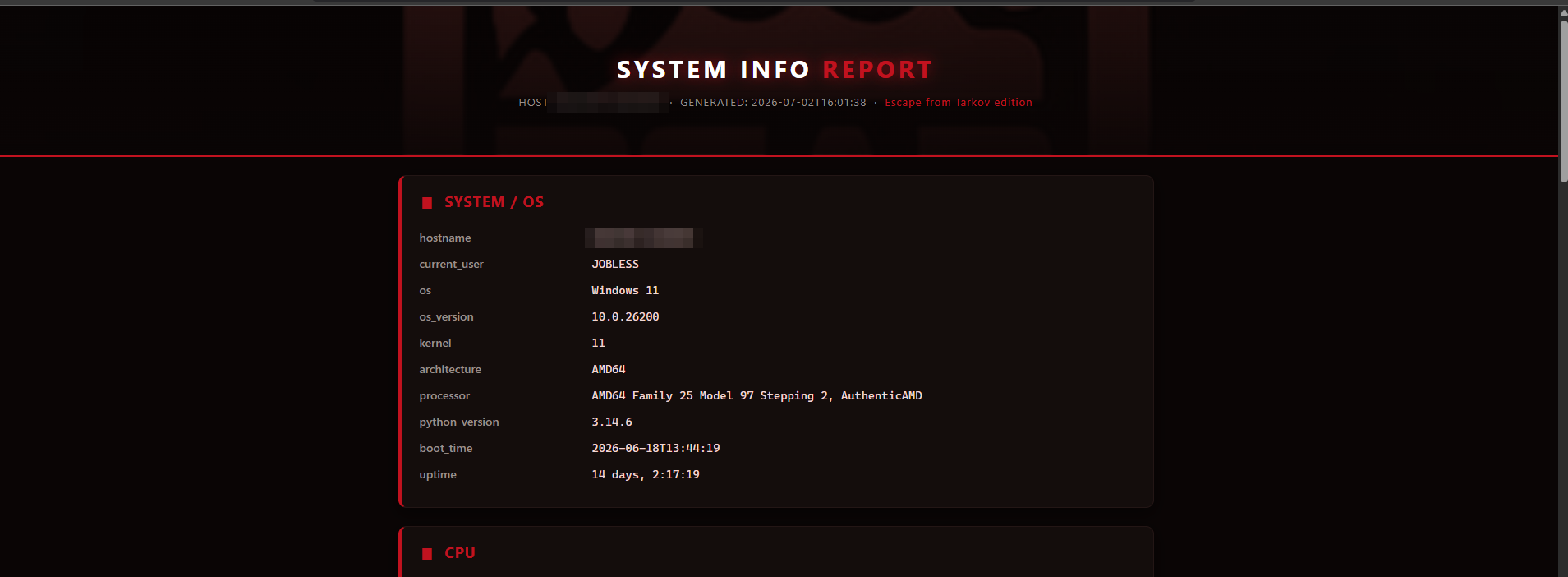
The Spec Grabber HTML report

Created a SystemInfo Grabber Program with Claude AI

I wanted a small desktop tool that captures a snapshot of a machine — hardware, resource usage, network state — and writes it to a styled HTML report viewable in any browser. Useful for quick system audits and for keeping a record of a machine’s specs over time. I built it in one Claude Code session (Opus 4.8) on my Debian 13 laptop, then packaged it for Windows as well. ...

2 July 2026 · 4 min